Other Settings
In this area, interface language and region selections are made. The user who logs in to the interface must select the interface language and He can set the region he wants to use in the interface from this tab.
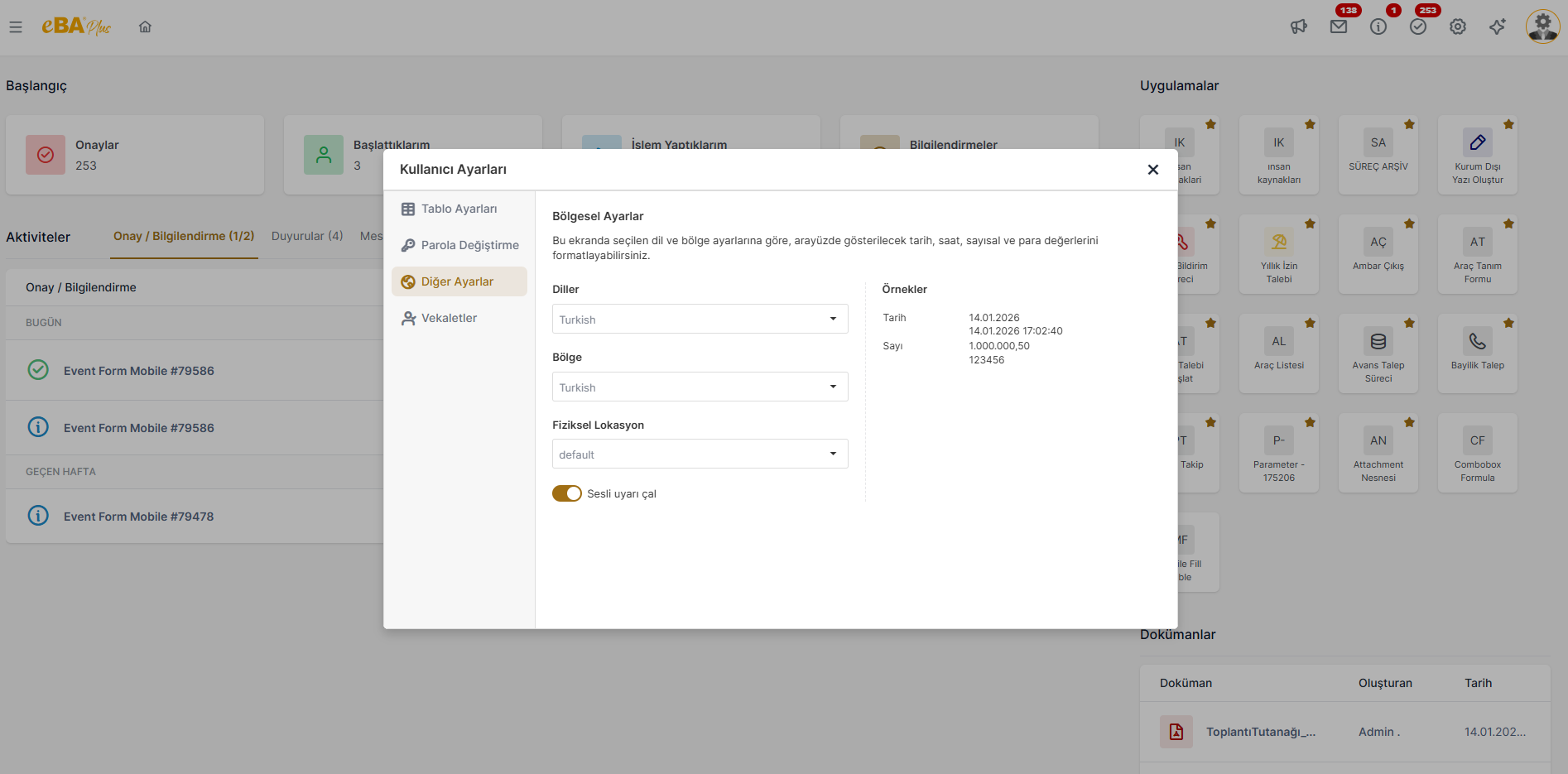
The interface language is set according to the language selected from this field. The date and number values in the interface the display format is arranged according to the selected Region.
Location information for companies located in different locations can be specified in the Physical Location field.
If the system is requested to give an audible warning when the person receives a notification or confirmation, the "Play Audible Alert" field can be activated.